

Begin with a picture in mind
Describe a new image or edit an existing one. Choose an available model and the aspect ratio for the work you are making.
A clear idea.
A new possibility.
Make a still image, bring a reference into motion or explore audio and 3D. Choose the tool, model and settings that fit the result you have in mind.
Describe a new image or edit an existing one. Choose an available model and the aspect ratio for the work you are making.
Create video from a prompt, an image or supported reference frames. Available controls depend on the tool and model you choose.
Switch to audio or 3D in the same workspace. Each tool shows its available models, input requirements and generation settings.
Find the right form
A creative workspace for different kinds of output, with tools that make sense for each medium.
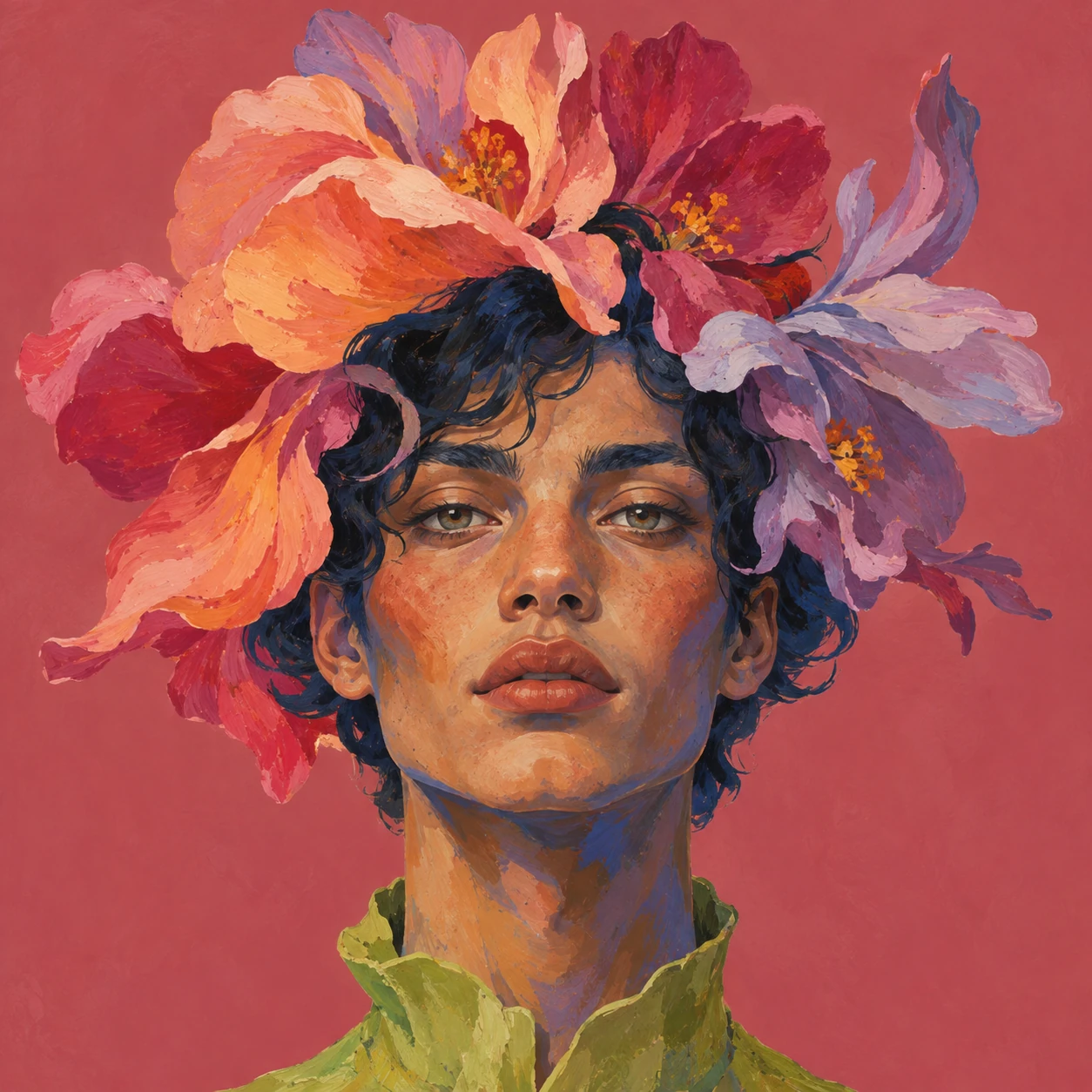

Inside the workspace
Review saved creations in Library, open a larger preview and download the result. Use an image as the starting point for another creation, or bring it into a website draft.
See how it works
Select image, video, audio or 3D, then choose an available tool.
Write a prompt, add references where supported and choose a model. Review the credit quote before generating.
Follow the generation in Activity, then inspect the saved result in Library. Keep developing the version you like.
No. Model availability, reference inputs, size and duration depend on the selected tool, your region and configured services. Create shows the options available to you.
After you choose the settings, Create requests a credit quote and shows the reserved amount before generating. When actual cost is available, unused reserved credits are returned; otherwise the quoted price applies.
Make the next move
Bring a prompt or a reference. Find the form that fits.